
Field Notes ·
Touch controls that disappear into the game
Thumb reach, generous targets and context-aware actions turn a phone screen from a compromise into the native controller.
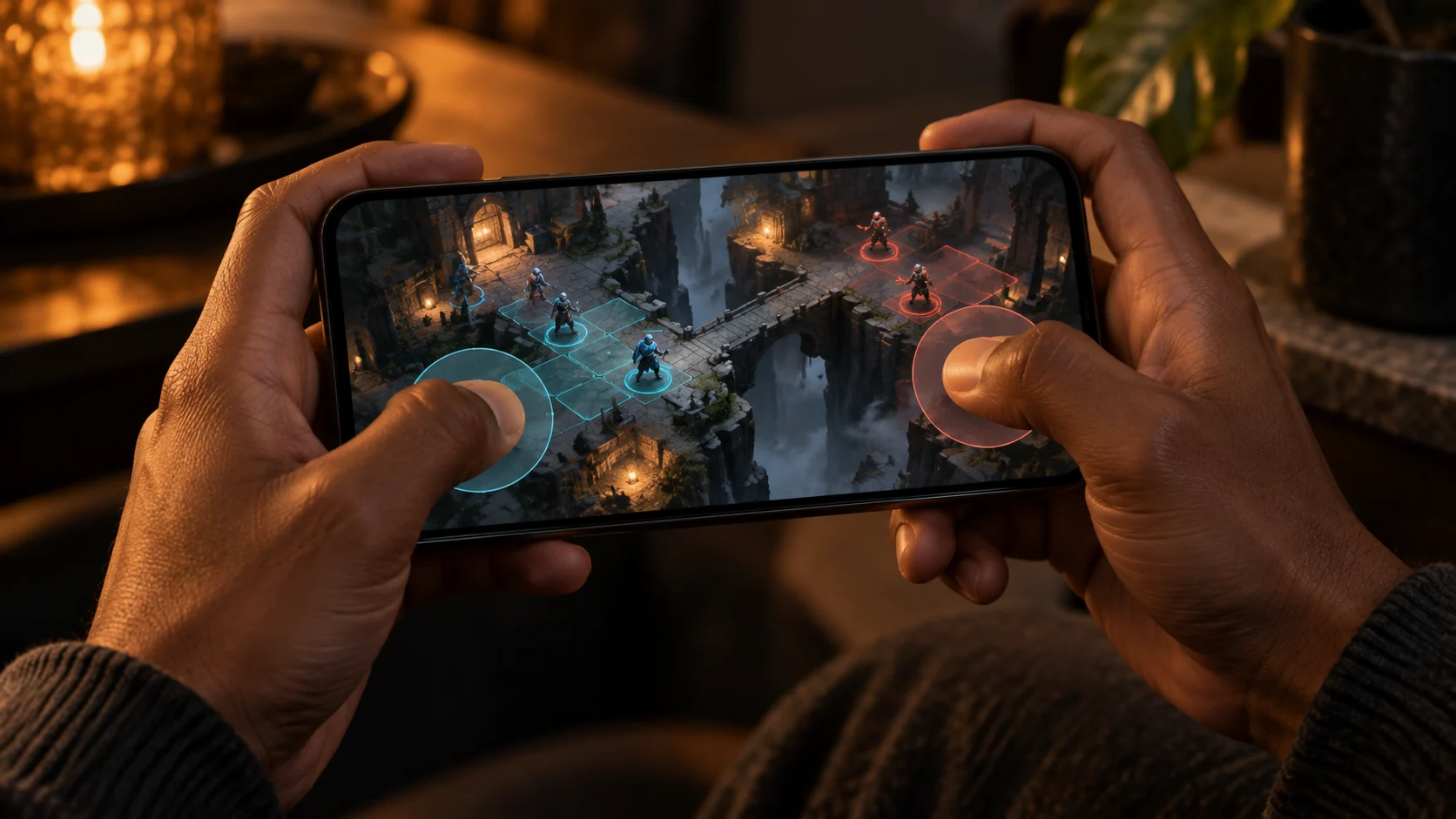
A mobile game should not feel like a desktop interface squeezed behind glass. Touch is the default interaction on iPhone and iPad, and it is a primary input method across Android phones and tablets. Good controls respect where hands rest, what the player can see and how quickly an action must be understood.
Start with direct interaction
Apple’s game-control guidance recommends looking for opportunities to let players touch game objects directly instead of covering the scene with permanent virtual buttons. When movement or many actions require virtual controls, place them within comfortable thumb reach and keep the important actions large.
Reveal controls when they matter
Context-aware controls reduce visual competition. An action that is impossible right now can disappear or become clearly unavailable; a combat decision can move close to the relevant target; a secondary menu can leave the primary play area. This is not decoration — it preserves attention.
Our mobile control checklist
- Frequent actions receive at least a 44 × 44 CSS-pixel target in the web interface.
- Safe areas, short screens and landscape grips are tested separately.
- Gestures have visible alternatives for players who cannot perform them reliably.
- Reduced motion keeps state changes clear without unnecessary camera movement.